4 min read
Figma Is No Longer the Best Place for Product Design
Designers are about to spend a lot less time drawing repetitive screens.
 Adam Bárta
Figma is dead for product design.
That sounds dramatic. It is also how the last few weeks have felt for me.
On my latest project, I saved more than 60 hours by not skipping Figma as the main deliverable and using code to create a prototype instead.
Not because Figma is bad. Figma is still one of the best tools ever made for visual design, design systems, component libraries, and collaboration. But for a lot of product design work, especially early prototypes, the current workflow is really slow.
The traditional path looks like this:
- Map the product flow
- Design the main screens
- Build or maintain the design system
- Create every state and variant
- Hand it off
- When feedback comes in, make sure the change is applied across all screens
This flow used to make sense because the design canvas was the fastest place to explore product ideas.
It’s not anymore.
Ditch the boring part
Instead of spending days designing repetitive screens, designers can now start from product context, and user flows, sketch layouts of the important screens, plug in a component system like shadcn/ui, and let AI generate a working interface.
Not only is this way faster, but the client also gets delivered an interactive prototype that they can click through and in which they can change the mocked-up data. This is simply not possible in Figma.
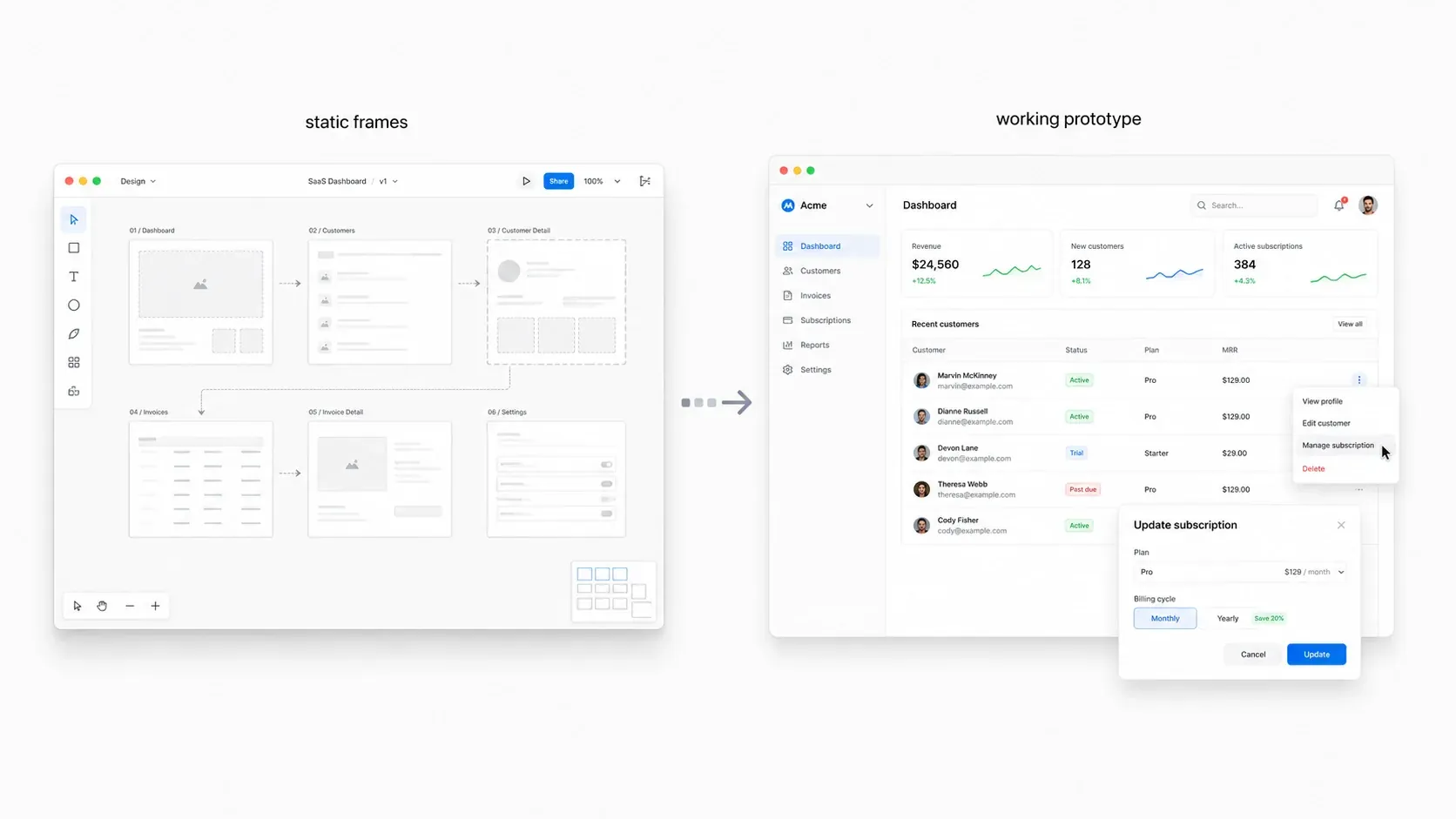
That is invaluable for early product decisions.
It also compresses a lot of repetitive work on the designer's side.
You do not need to manually design the tenth settings screen from scratch. You do not need to keep recreating tables, empty states, modals, filters, and form layouts just to prove the same system over and over.
If the product direction is clear, AI can generate a large part of it faster than a designer can.
The designer’s job shifts from drawing every screen to directing the system, tweaking details, and most importantly, testing a lot more flow variations and ideas than they would have been able to otherwise.
Don't reinvent the wheel
Creating your own design system doesn’t make sense in most cases. Start with a proven component library and build on top of it.
shadcn/ui works well in this workflow because it gives the AI a strong starting point, but offers heavy customization options
The components already have a good structure. The accessibility basics are better than most hand-made UI kits. The patterns are close to what many modern products need. And with the new advanced themes, you can even add some character to the interface right out of the box.
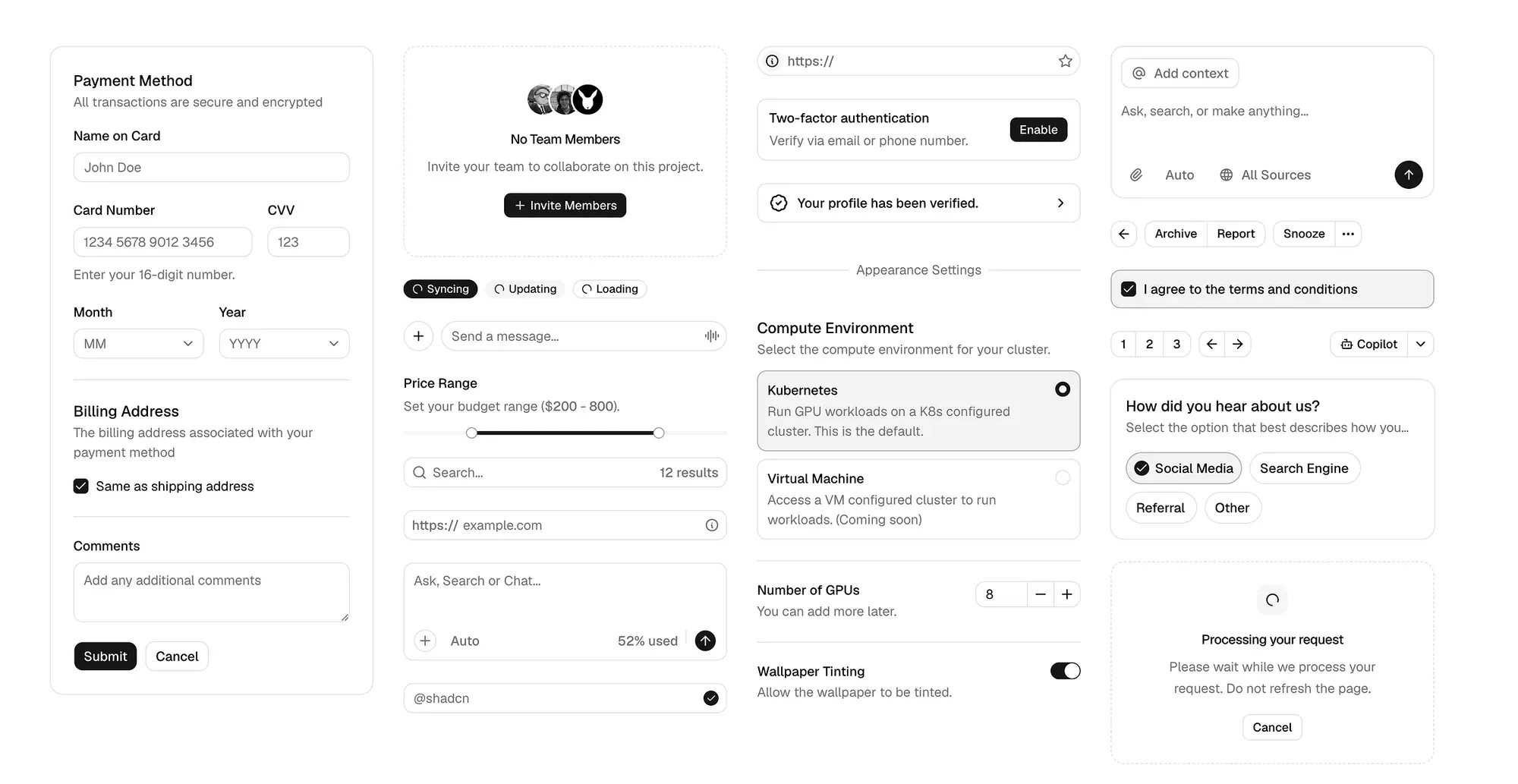
Instead of rebuilding the wheel, designers can just use shadcn as the base.
That means the designer can focus on the things that actually matter:
- How should the flows work?
- What should the user understand on each screen?
- Where does the interface struggle?
The AI can produce the first version, but the designer still needs to judge it. AI is not capable of understanding complex product design yet — that’s the designer's job.
Can we replace Figma entirely?
For prototypes, this workflow is close to perfect.
It’s fast. It’s interactive. It helps clients understand the product.
But the final product UI still needs a lot of manual work.
As designers, we notice things the AI doesn’t — the spacing, colors, typography, even the general tone of the product. AI won’t create fun interactions or go the extra mile to make the UI feel outstanding because it doesn’t have what designers now refer to as “taste”.
At least for now, it’s very difficult to have AI reflect your taste.
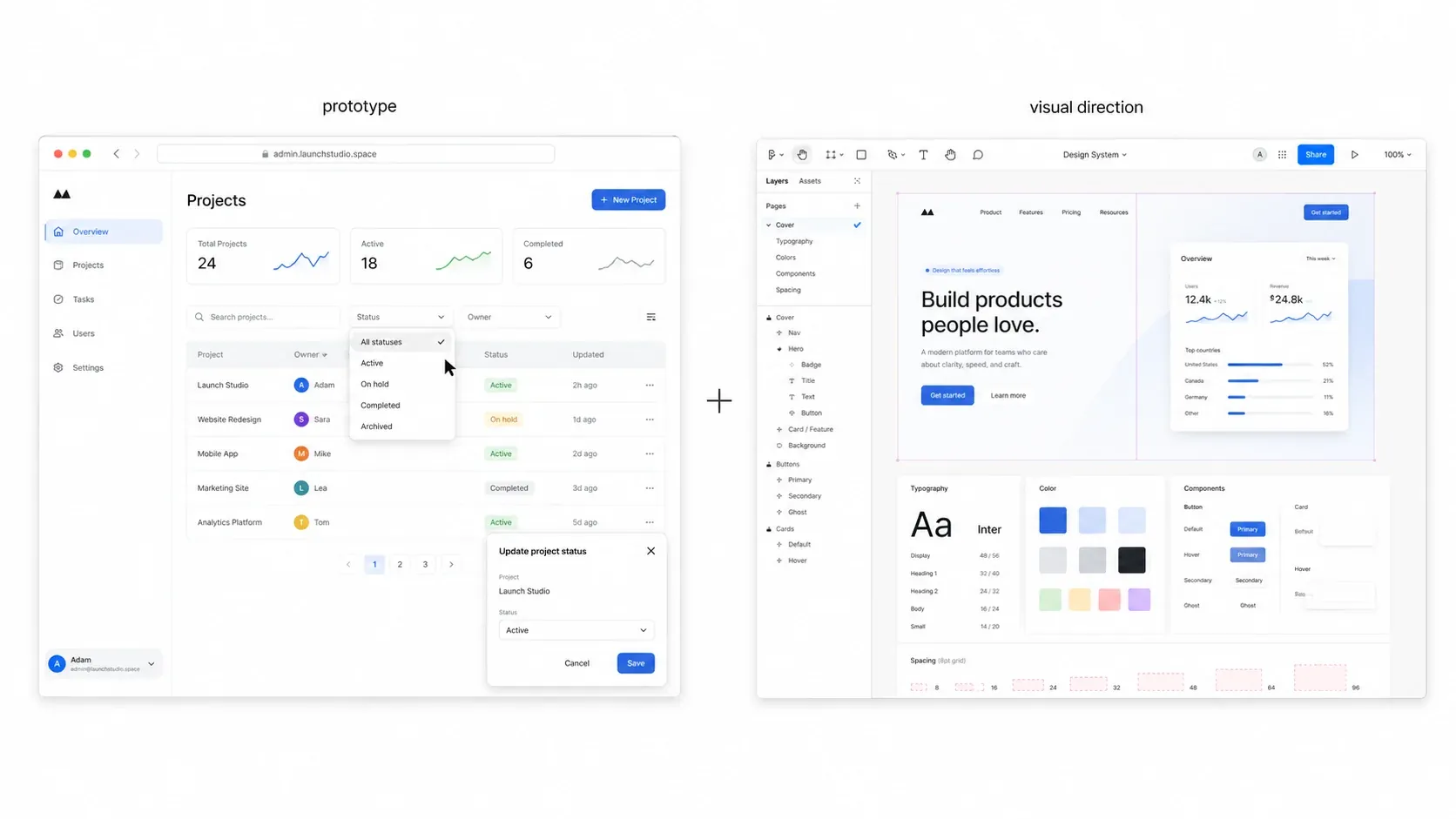
And that's where Figma and other design tools come in. They allow designers to manually design different pieces of UI and define the right visuals for the product. When AI “doesn’t get it”, jump into your design tool of choice and show it exactly what you have in mind.
Designers need to move up the stack
The point is not that every designer should stop using Figma.
The point is that Figma is no longer the right place to design every product experience from end to end.
If the goal is to explore a product idea, align a client, test a flow, or get a realistic prototype into someone’s hands, code can now be faster than static design.
Designers who can only operate inside a design tool are going to have a hard time.
The value is moving toward people who can define the product, direct AI, critique the result, and get a real working prototype into a client’s hands quickly.
That does not make design less important.
It makes taste, judgment, and product thinking more important. Just the boring parts are getting automated.
The people who cling to the boring parts will feel threatened by that.
The people who use AI to move faster will have more room for the work that actually makes the product better.