4 min read
How to vibe code in Framer
 Adam Bárta

Vibe coding is often perceived as something that you have to do in a dedicated IDE or a vibe coding tool, but that’s not the truth. If you are a designer using Framer for your own or client projects, vibe coding is still something you can do.
Since Framer gives you the option to create custom code components in React, you can easily create very capable components that will take your websites to the next level and that AI can very easily work with.
Avoid common mistakes
The first thing that you will likely try when AI-coding a Framer component is to just open an AI chat like Claude or ChatGPT and ask it to create a Framer component based on your instructions. While that is not a bad way to do it, it creates a lot of little annoyances down the line:
- Every time you ask the AI to adjust the component, you need to copy the text and paste it back into Framer.
- When you change something from within Framer, you need to copy that back into the AI chat so that the model is aware of these changes.
- The AI tends to make dumb mistakes when not provided with proper context, such as renaming the core function within the component, so when you paste it back into Framer, suddenly the component doesn’t work anymore.
The Framer way
Now, Framer sort of solves these issues by providing you with its own Workshop AI tool. The issue with this feature is that it really is not made for extensive vibe coding.
It provides limited, outdated models, doesn’t let you manipulate the chat in a user-friendly way, and doesn’t work well with long files. It’s still great for quick, small tasks tho!
The right way
The way to fix all of these problems is to, of course, just use MCP. The issue is that Framer does not provide MCP out of the box.
The good news is that there is a plug-in to use completely for free that will allow you to connect any AI that you like to the Framer canvas.
Disclaimer: I’m not affiliated with this plug-in in any way. All credit goes to Tommy D. Rossi.
The plug-in: framer.com/marketplace/plugins/mcp
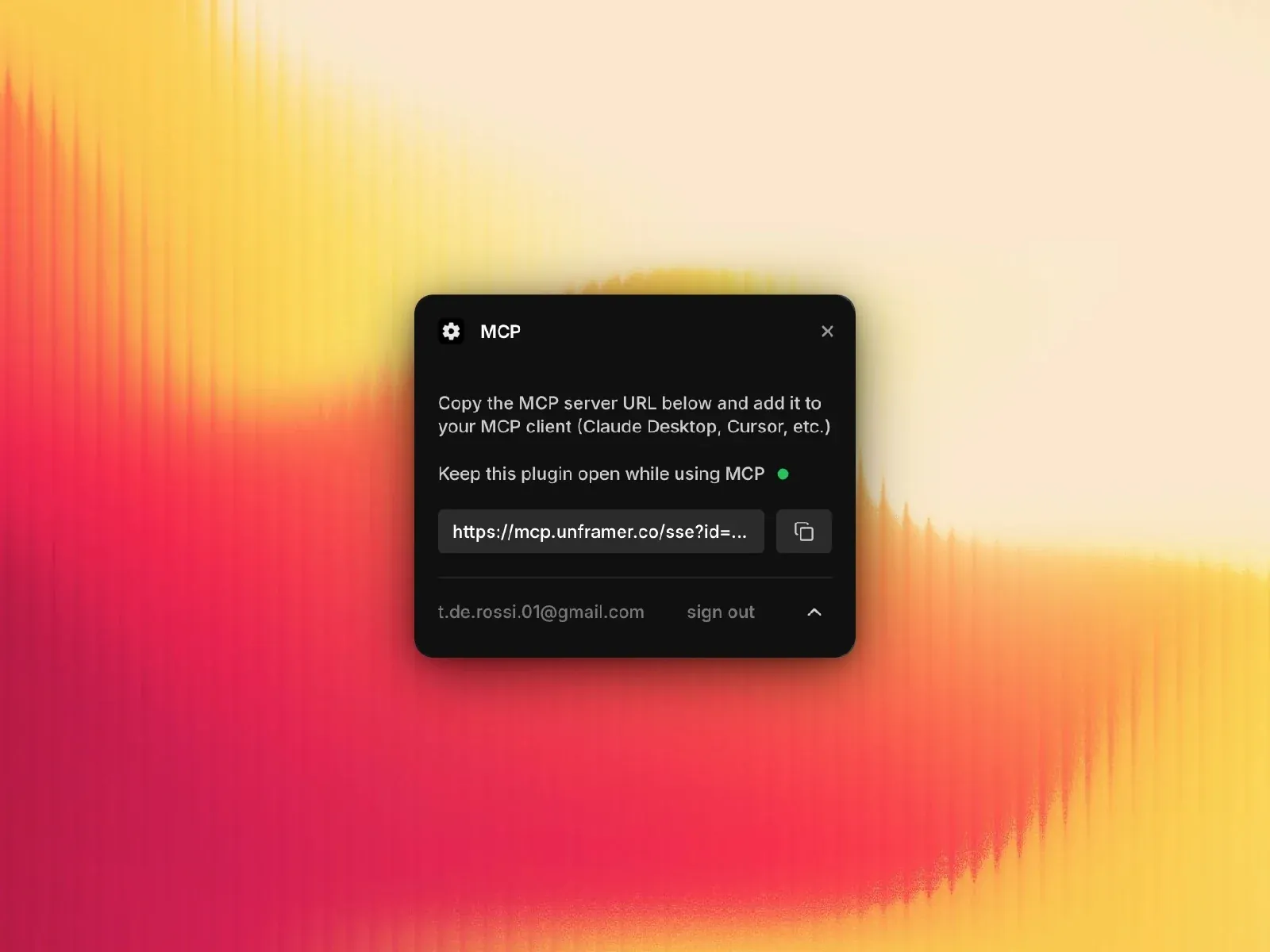
Simply take the link from the plugin, add it to your AI of choice that supports MCP, and you will get the full context of your canvas, code components, and even the CMS.
App-like experience in Framer
My favorite way to use this plug-in has been to edit my code components with it. The AI can see the whole file, write into it, and stay up to date on any changes that I make myself from Framer.
Below you can see an example project of a free-form canvas that the visitors can browse and view different works on.
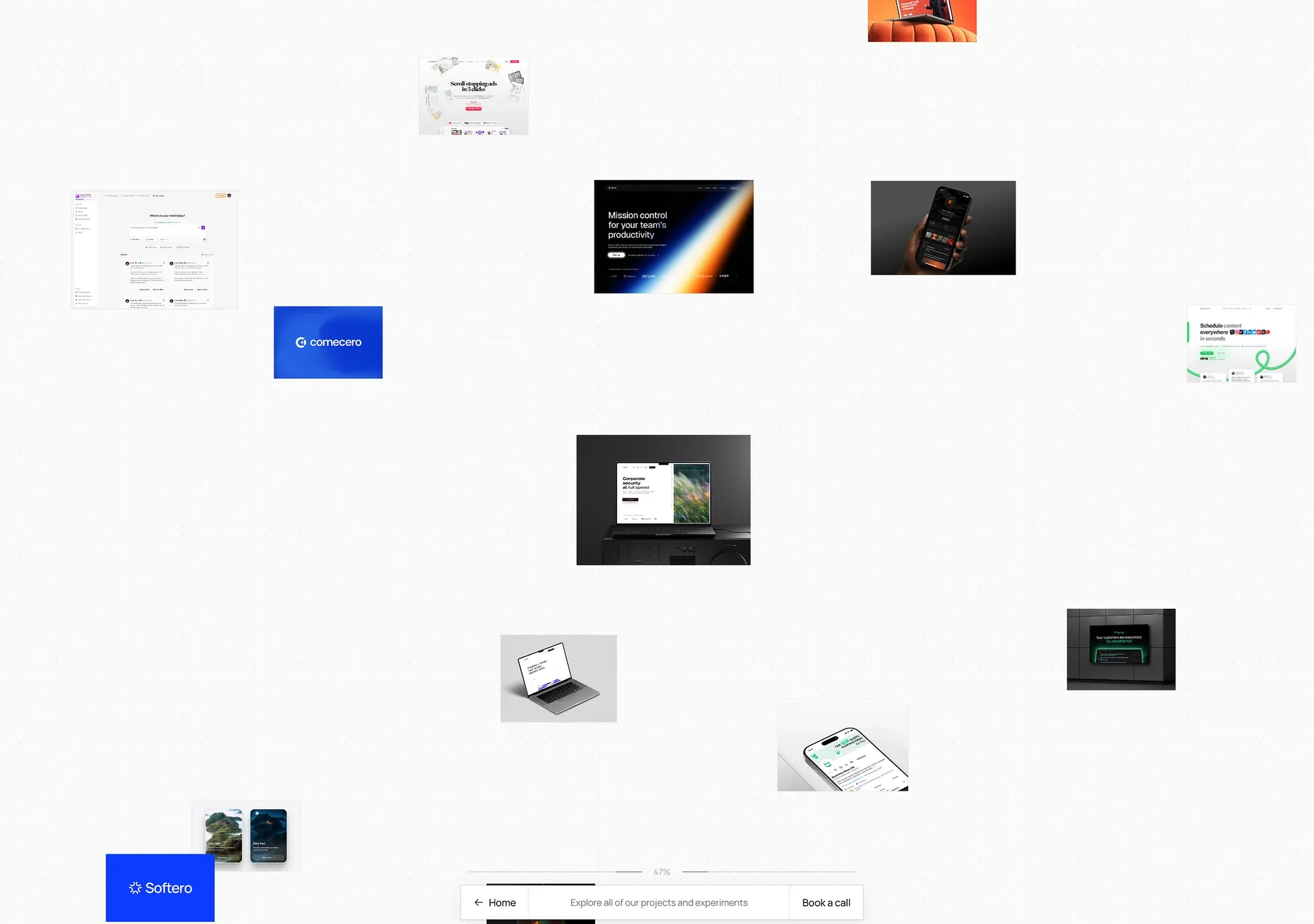
The canvas is coded entirely by Claude Code as a code component. This component overtakes the entire page to provide a frictionless app-like experience and has nearly 2,000 lines of code.
On this page, the user does not interact with any UI made in Framer. The whole thing is completely coded in React, which opens up a world of possibilities for any sort of project that you can imagine.
Limitations
Now, this approach isn’t without its limitations, and when pushing this thing to its boundaries, I found a couple of them:
Context window
You hit a context limit pretty fast. My canvas component has around 2,000 lines, and the plugin already limits me in writing and making changes to it properly.
This is fixable by simply splitting the code into more files, but at that point, it becomes more effort for the model to read and write into the project, because now it needs to pull multiple files to get the full code context.
Working with design
The MCP plug-in allows your AI model to change the Framer design directly as well, but I haven’t found it useful in practice. When working on a design, it does not produce great results, and it eats up tokens like crazy. On the $20 Claude Pro plan, you only get about three or four prompts before you run out of credits. This does not happen when editing code components.
The takeaway
Vibe coding isn’t just for programmers or people using trendy AI apps. As long as you can find a way to integrate AI into your workflow, you’ll be able to pull off the vibe coding approach almost anywhere, even in a no-code tool like Framer.